Turn Your Outfits into Beautiful Collages!
2026-01-29
How Do You Save Your Favorite Outfit Combinations?
"This outfit looks great, I want to save it!" "I'd love to share today's look on social media."
But arranging clothes one by one for a photo is surprisingly difficult. Getting them to line up nicely is tricky, and the background is always a concern...
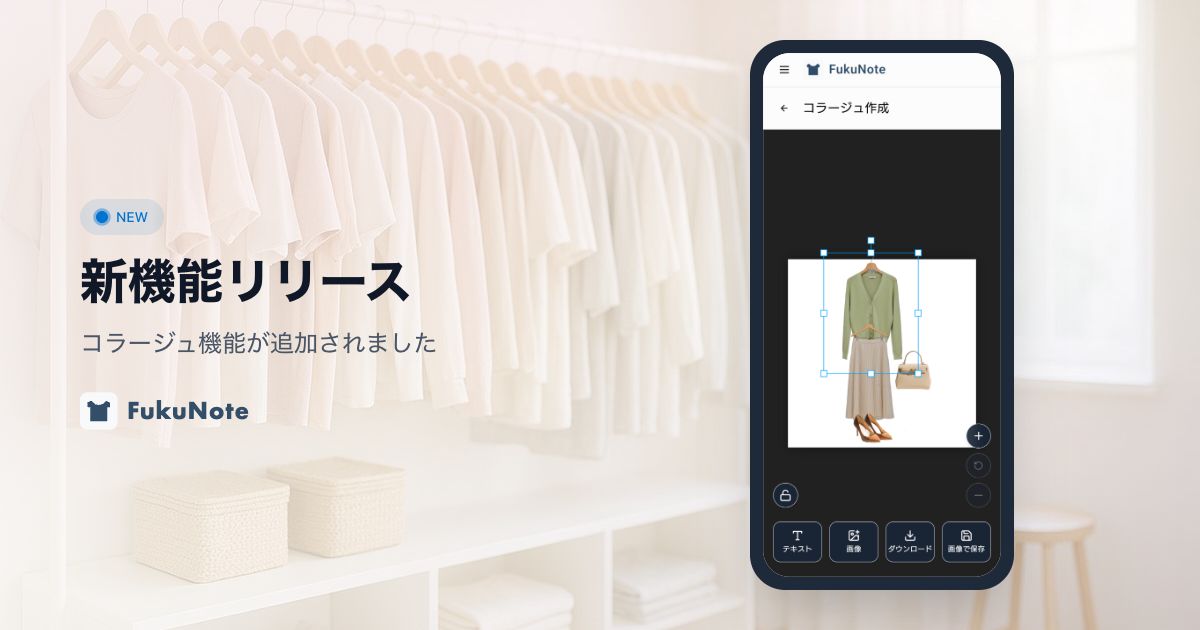
That's where FukuNote's Collage feature comes in. Just select your registered clothing items, arrange them freely, and you'll have a stylish outfit image ready in no time.
What You Can Do with Collages
FukuNote's collage feature is packed with useful functions.
Arrange Clothes Freely
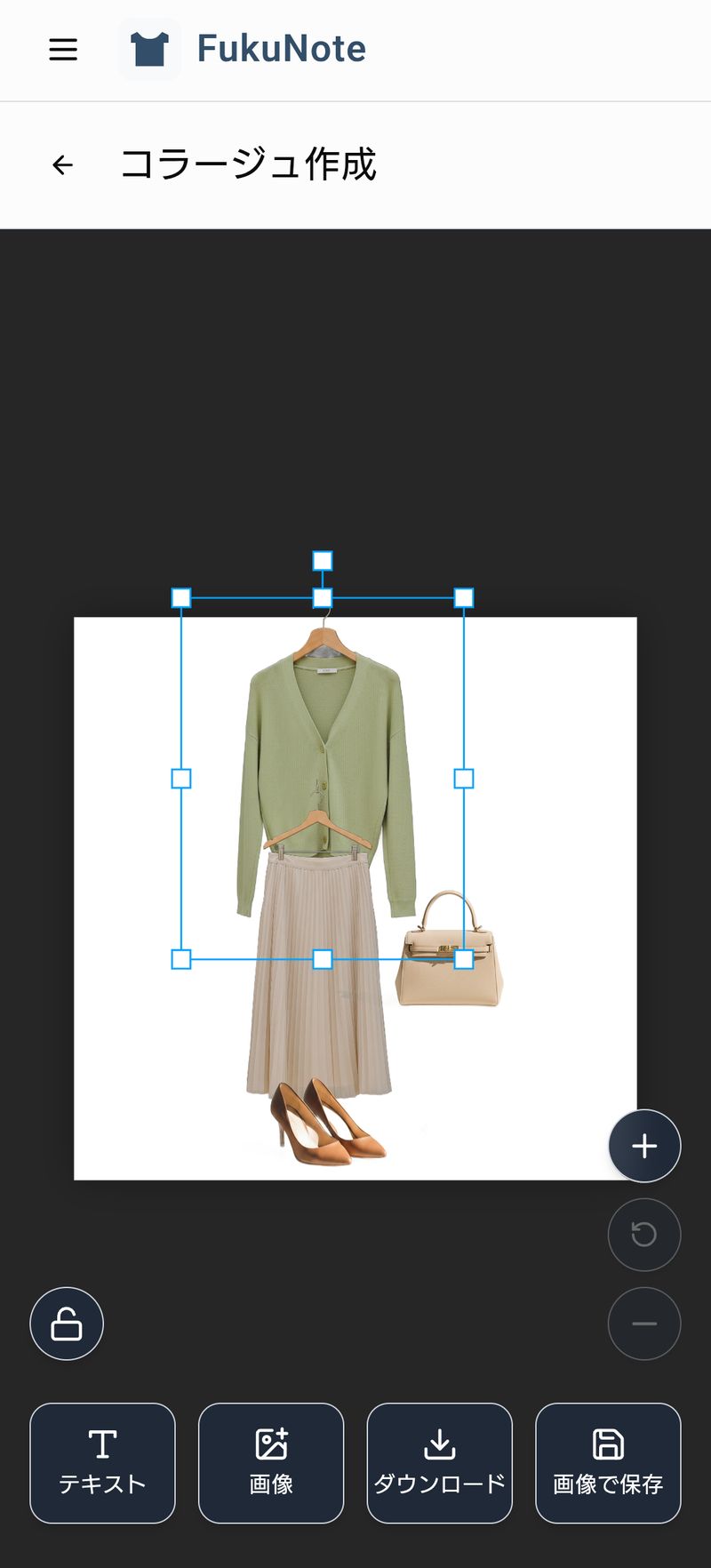
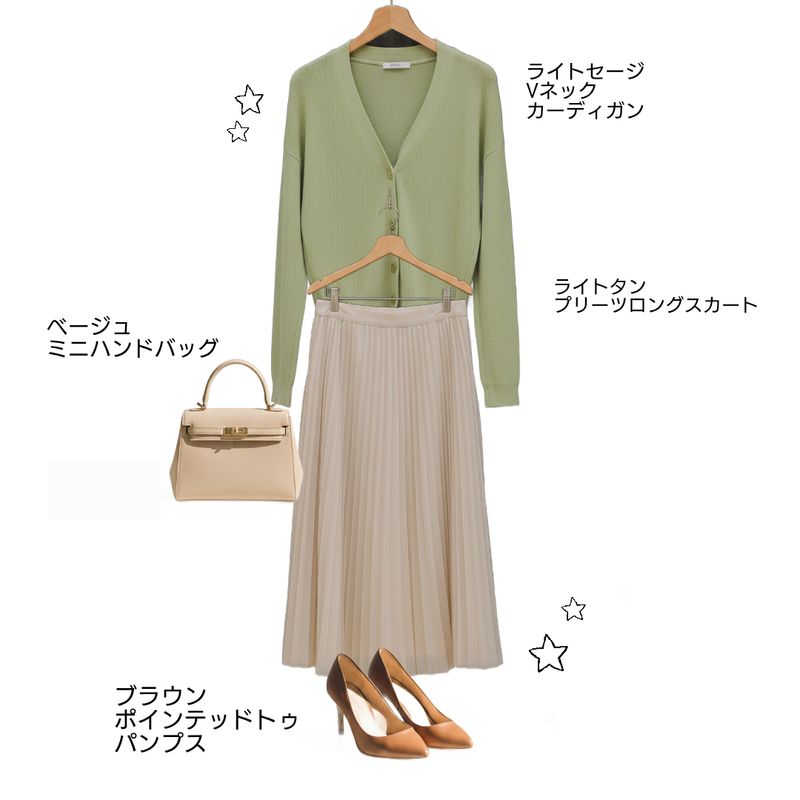
Place your outfit items anywhere on the canvas. Drag and drop to adjust positions, pinch to resize, and even rotate for a dynamic layout.
Add Text
Add dates, comments, brand names, or any text you like. Adjust font size and position freely. Double-tap to edit, making it easy to change content later.
Add Images Too
You can also add your own images. For example, add photos of your favorite accessories or insert a background image to create truly original collages.
Drag to Trash to Remove
Changed your mind about an item? Just drag it to the trash area to remove it. Experiment until you find the perfect layout.
How to Create a Collage
The process is simple. Just four steps to completion.
Step 1: Create or Select an Outfit
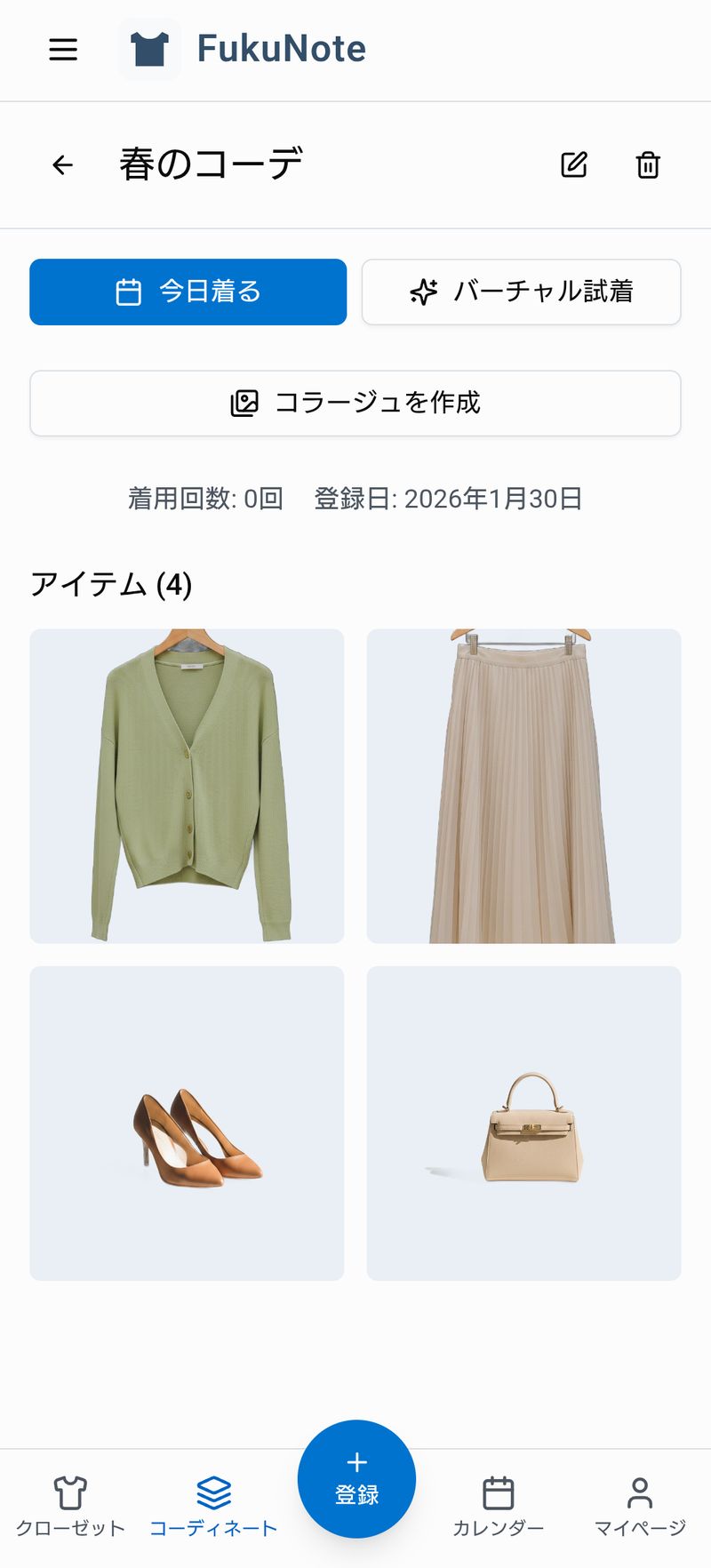
First, prepare the outfit you want to turn into a collage. You can choose an existing saved outfit or create a new one.
Step 2: Tap the Create Collage Button
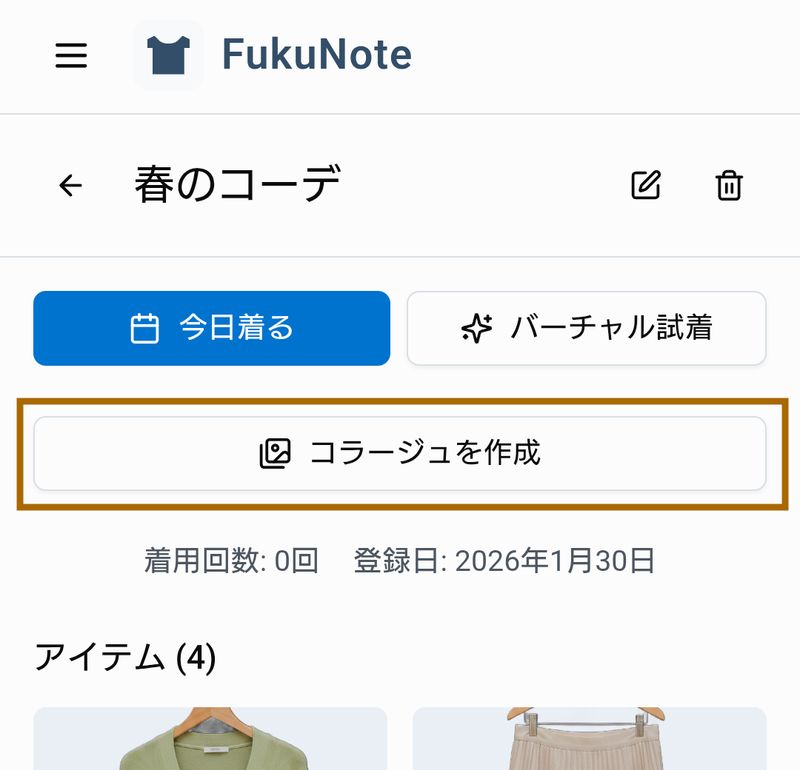
On the outfit detail screen, tap the "Create Collage" button. The clothing items in your outfit will be automatically placed on the canvas.
Step 3: Adjust the Layout
Drag the items with your finger to move them to your preferred positions. Pinch with two fingers to resize or rotate.
To add text or images, use the buttons at the bottom of the screen.
Step 4: Save or Download
Once you're happy with the layout, tap "Save" to link it to your outfit, or "Download" to save it as a PNG image to your device.
Great Ways to Use This Feature
The collage feature works well in many situations.
Share Outfits on Social Media
Perfect for sharing your daily outfit on Instagram or X. With a clean, unified background, your feed will look even better.
Organize Travel Packing
Combine the clothes you're taking on a trip into one image for easy packing reference. Create collages ahead of time to make preparation smooth.
Record Seasonal Favorites
Save your best outfits of the season as collages to reference next year. Creating seasonal collections is a great idea too.
Summary
With FukuNote's collage feature, you can easily combine your favorite outfits into a single image.
- Arrange clothes freely
- Add text and images
- Download and share on social media
Create your own original outfit images and share your style with the world!